Dr. Laura Forsyth ~ Cognitive Behavior Therapy & ADHD Counseling for Adults
  • Imagine
  • About
    • What To Expect
    • Fees & Insurance
    • Privacy Policy
  • Resources
    • Basic Brain Training
    • For ADHD
    • For Anxiety
    • For Stress
    • For Managing Time Online
    • For Picturing What's Going On (Pinterest)
    • For CBT Homework
  • Best Medicine
  • ADHD
  • Telehealth
  • Blog
  • Contact

Telehealth

Picture

Online Counseling Sessions Via
Secure Video Conferencing

​

Why Telehealth?

Access, flexibility, consistent support
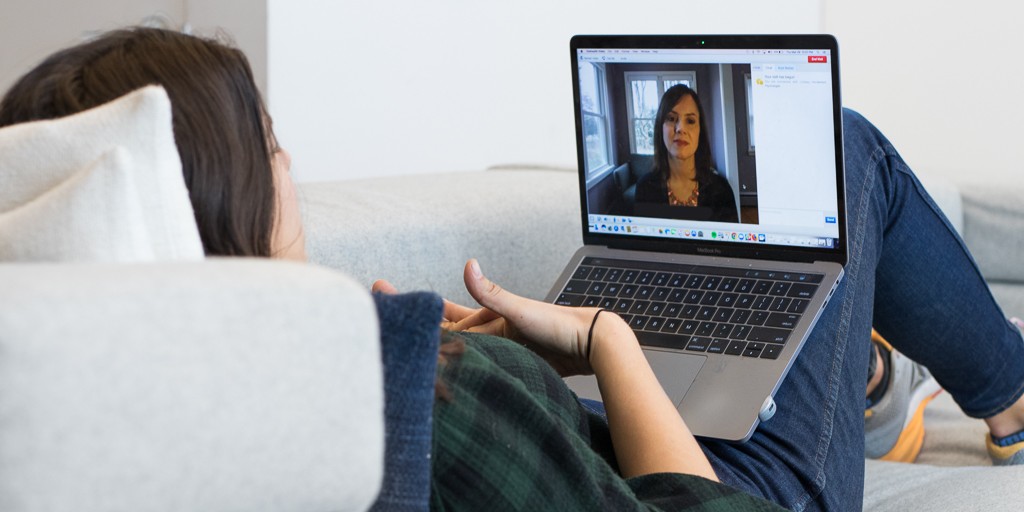
Telehealth brings the session to you. Your therapy can be entirely online, or you can opt for a remote session on those occasions when life gets in the way of coming to my office.  

How to Have a Great Video Session

Before the call, make sure you have:
  • first and foremost: confidential space - a quiet, private location where you won't be overheard or interrupted during your session​
  • internet with adequate speed - at least 750 kbps download and upload (check speed here), Google Chrome, Mozilla Firefox or Safari 11+
  • good lighting - the light source needs to come from behind your screen to illuminate your face
  • your webcam set at the correct angle/height - tips:
    • elevate your laptop or monitor (a stack of books works), with the upper edge of the screen at eye level
    • if you're using a smartphone or tablet, try to prop it at about eye level
  • sound on and microphone off mute  
  • your phone handy as backup, just in case
  • something to verify your identity and location - at the start of our first call, you can show me ID and verify your current location using your phone (necessary only if we haven't already met in person) ​

​During the call:
  • ​close other tabs and programs, silence notifications and decline any updates
  • silence your phone
  • ​use a headset or earbuds with a mic for better audio​
  • relax and speak at a normal volume
  • don't hesitate to let me know of any problems 

Just In Case

Troubleshooting
If you're having trouble connecting, try:
  • closing other browser tabs
  • closing other apps or programs
  • quitting or pausing those unnecessary programs that run automatically at startup, such as:
    • ​​​Skype - log out first, then mouse over the Skype icon in the system tray at the bottom of your screen to bring up the menu - select 'quit'  
    • pause Dropbox or other automatic cloud backups apps
  • restarting your computer
  • rebooting your router by unplugging it, waiting a minute, then plugging it back in and turning it back on
  • connecting directly to your router or wifi extender with an ethernet cable (this can make a big difference)​​

New Inquiries & Free 15-min Consultation

Patient Portal
​& Scheduler


Laura Forsyth, PhD, Licensed Psychologist, PSY 17938 
 Compassionate, science-informed psychotherapy in Camarillo, CA & online
805.795.2131